
#
Save Conversation
The Save Conversation feature lets you save your current chat session before starting a new one. It helps preserve important interactions for future use or reference.
#
Key Features
- Save full conversations before resetting context
- Add a title and tags for easy identification
- Access saved chats anytime from Chat History
#
How to Use
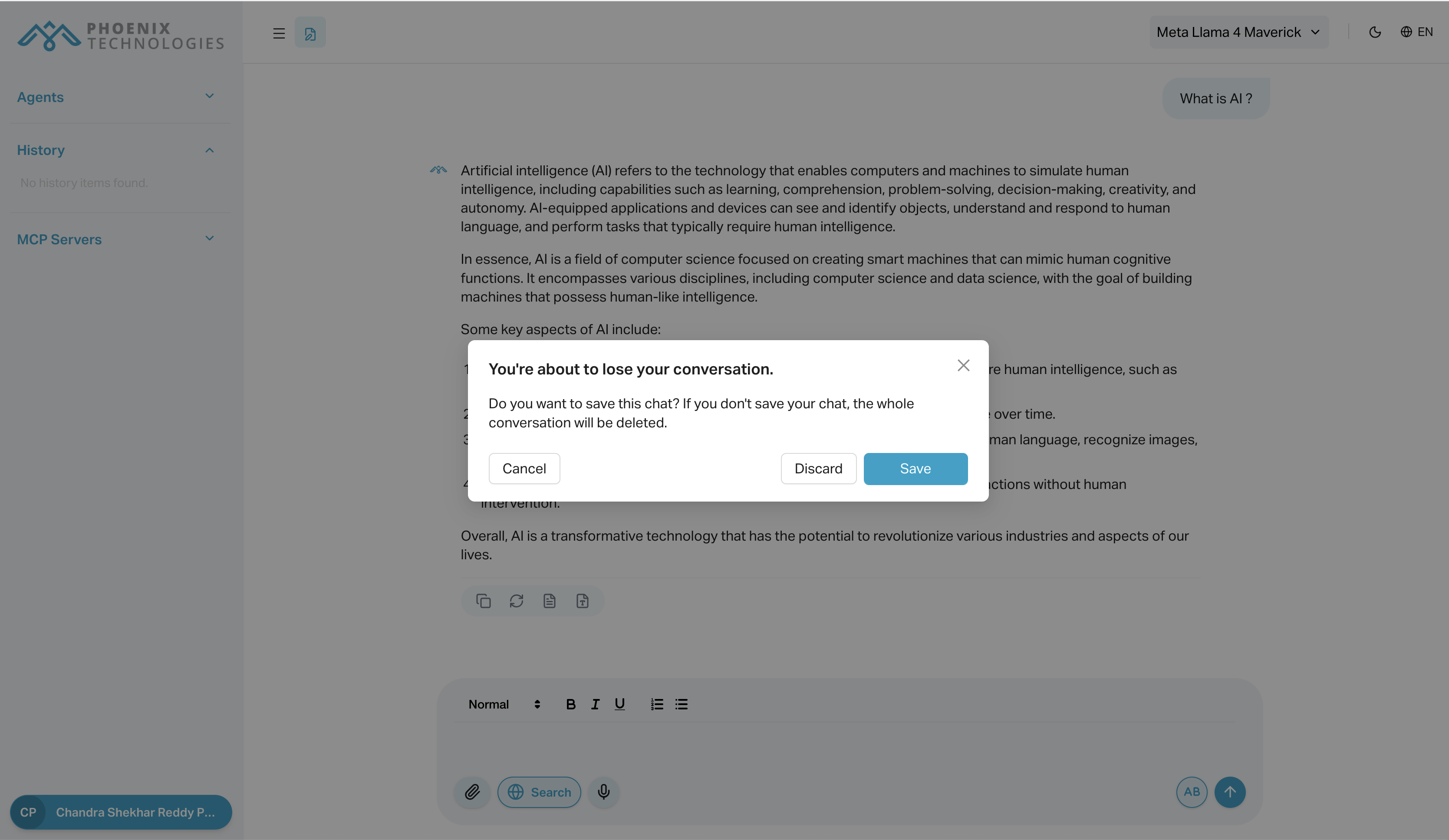
- When you click the "Start New Conversation" (pen icon), a popup appears asking if you want to save the current chat.
- Choose Save Conversation.
- Enter a name and optional tags, then confirm.
#
Use Cases
- Bookmark a helpful session before moving on
- Store long-form answers for reuse
- Preserve conversations for team review or documentation
#
Notes
- Only saved chats are retained; unsaved chats will b