
#
Phoeniqs AI Build
Preview
#
Overview
Phoeniqs AI Build moves software development from AI-assisted coding to agentic development: you set the objective, and coding agents carry out the work inside a governed, isolated environment on Swiss infrastructure.
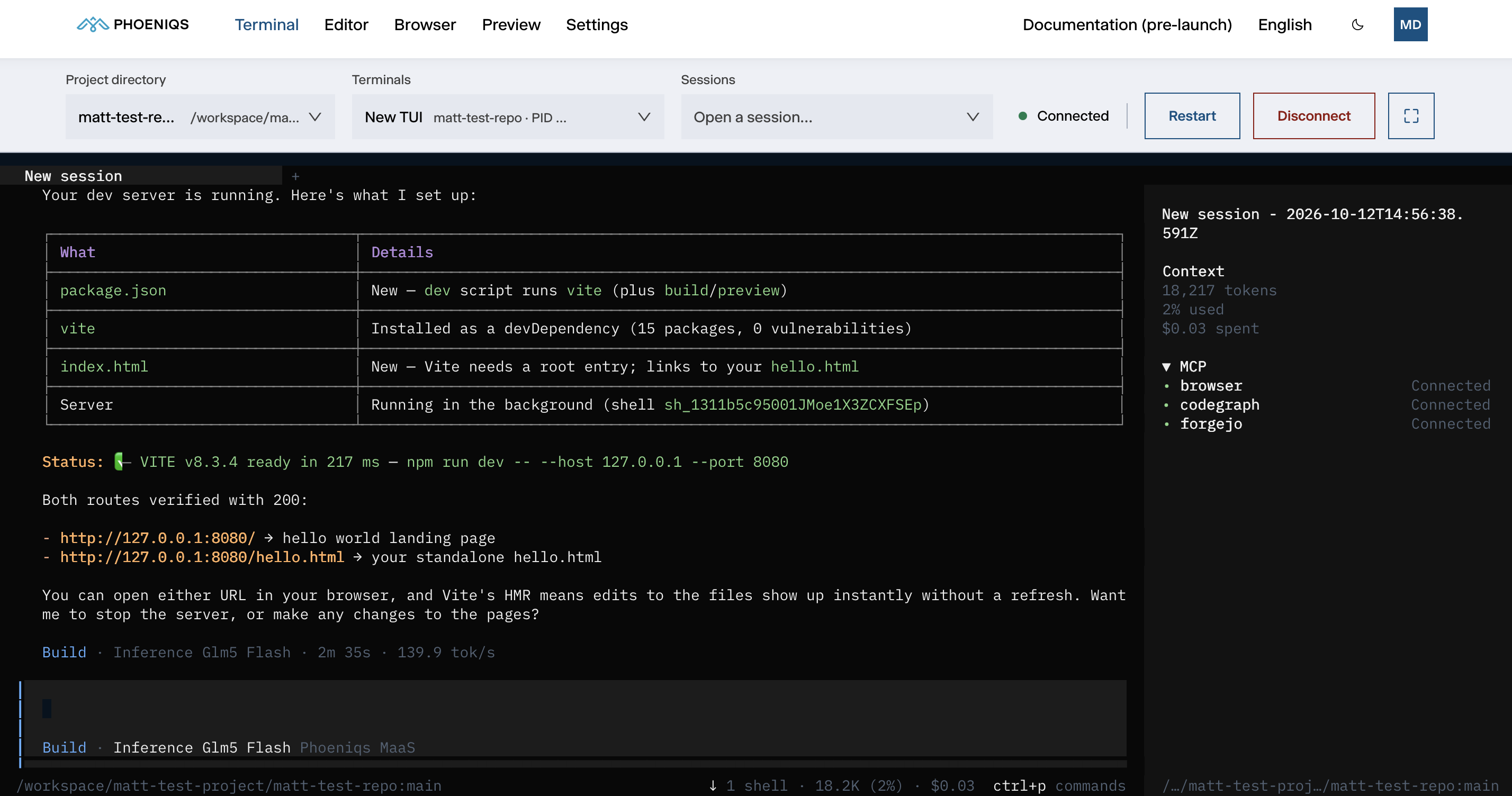
Each workspace is dedicated to its owner and lives in your own tenant. OpenCode comes pre-integrated and runs on open-weight models served by the PHOENIQS Model Service. Agents and long-running tasks keep working with your laptop closed. The whole environment is reached from a browser, so there is nothing to install or containerise yourself.
#
Why it matters
Teams adopting AI coding agents today mostly run them on local machines, with a full copy of the source code and the credentials on each developer's laptop. Code spreads across endpoints that can be lost, stolen or compromised, agents act with broad local access, and none of it is centrally governed or auditable.
Phoeniqs AI Build moves the agent, the code and the credentials off those endpoints and into one governed place:
- Isolated to its owner. Each workspace is dedicated to one developer and runs in your own tenant on Swiss infrastructure.
- Behind your sign-in. All five tabs, including the preview of your app, sit behind the PHOENIQS sign-in, and only the workspace's owner is admitted.
- Source code stays put. Repositories, agent sessions and generated files live on a persistent volume in your tenant. They are not copied to a developer's laptop and do not leave Swiss jurisdiction.
- Your own inference. Model calls go to your PHOENIQS AI Model Service subscription, using open-weight models hosted in Switzerland. Your code and prompts are not used to train models.
- Credentials are stored, not scattered. Git credentials and personal environment variables are held in an encrypted store on the workspace volume and restored at every start, rather than sitting in files next to your code.
#
The workspace
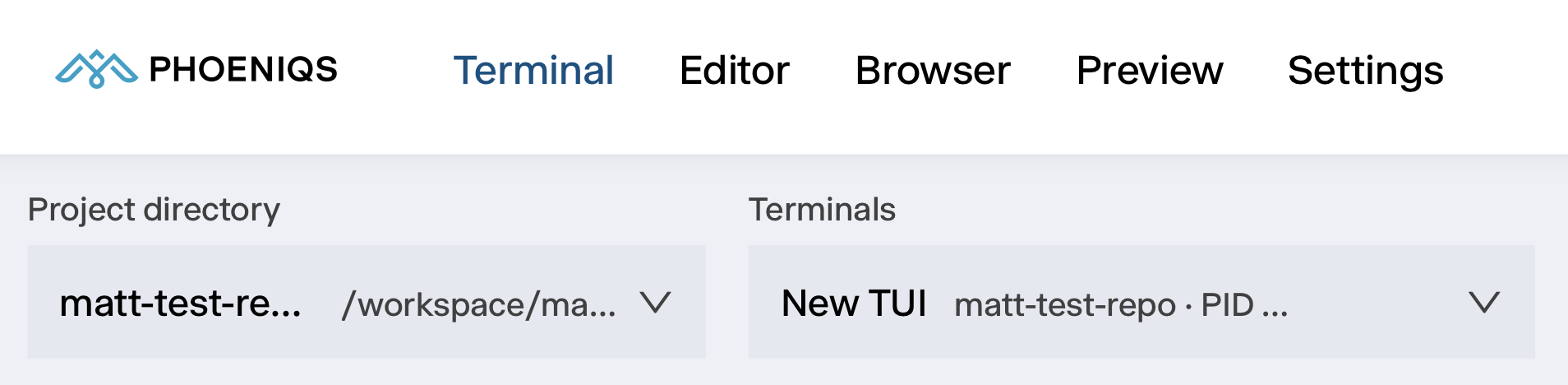
The workspace is organised into five tabs:
#
Plans and pricing
Phoeniqs AI Build is sold as a single plan, Build Dedicated, from the PHOENIQS AI Platform category in the Phoeniqs Console.
#
What is included
- OpenCode included, AI coding agent connected to PHOENIQS AI models, MCP servers and your development tools
- Always-on agents, run coding agents and long-running development tasks 24×7, even when your laptop is offline
- Persistent workspace, your code, tools, dependencies and agent context remain available between sessions
- Ready in minutes, a dedicated cloud development environment without having to build or maintain local infrastructure
- Bring your repositories, connect your Git repositories and work directly with your existing codebases
- Secure access, SSO-gated dedicated workspace, isolated to its owner
- Basic SLA
#
Price per month
250.– CHF (excl. VAT), per instance.
Model usage is billed separately through the credit pool of your Base LLM API subscription.
Base LLM API required
Phoeniqs AI Build runs its inference on the PHOENIQS AI Model Service. An active Base LLM API subscription in the same resource group is therefore required. Obtain it first, then select it when you provision Build. Learn more at: Provision Phoeniqs AI Build