
#
Tag: ai coding
See all tags.
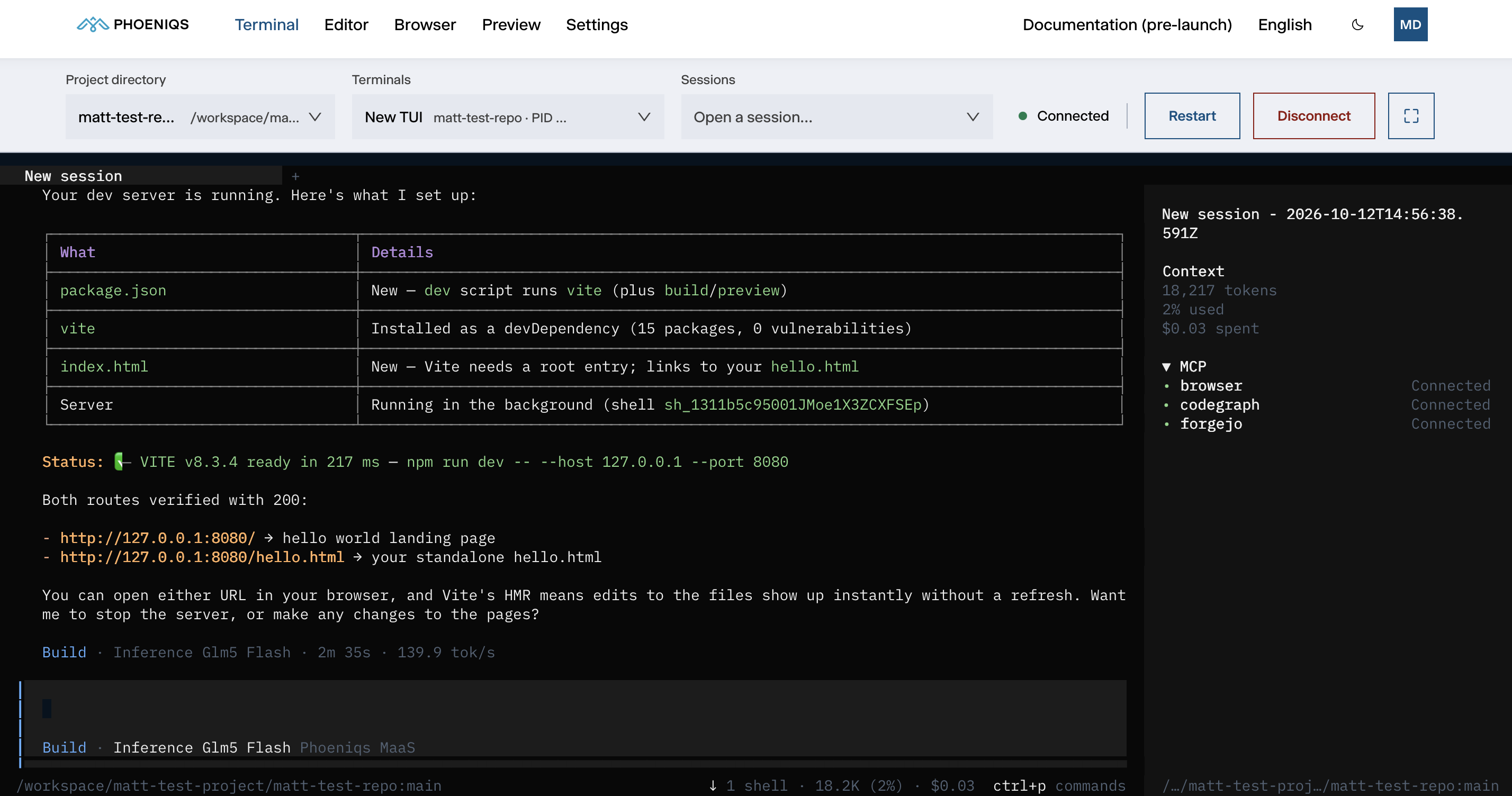
Phoeniqs AI Build moves software development from AI-assisted coding to agentic development: you set the objective, and coding agents carry out the
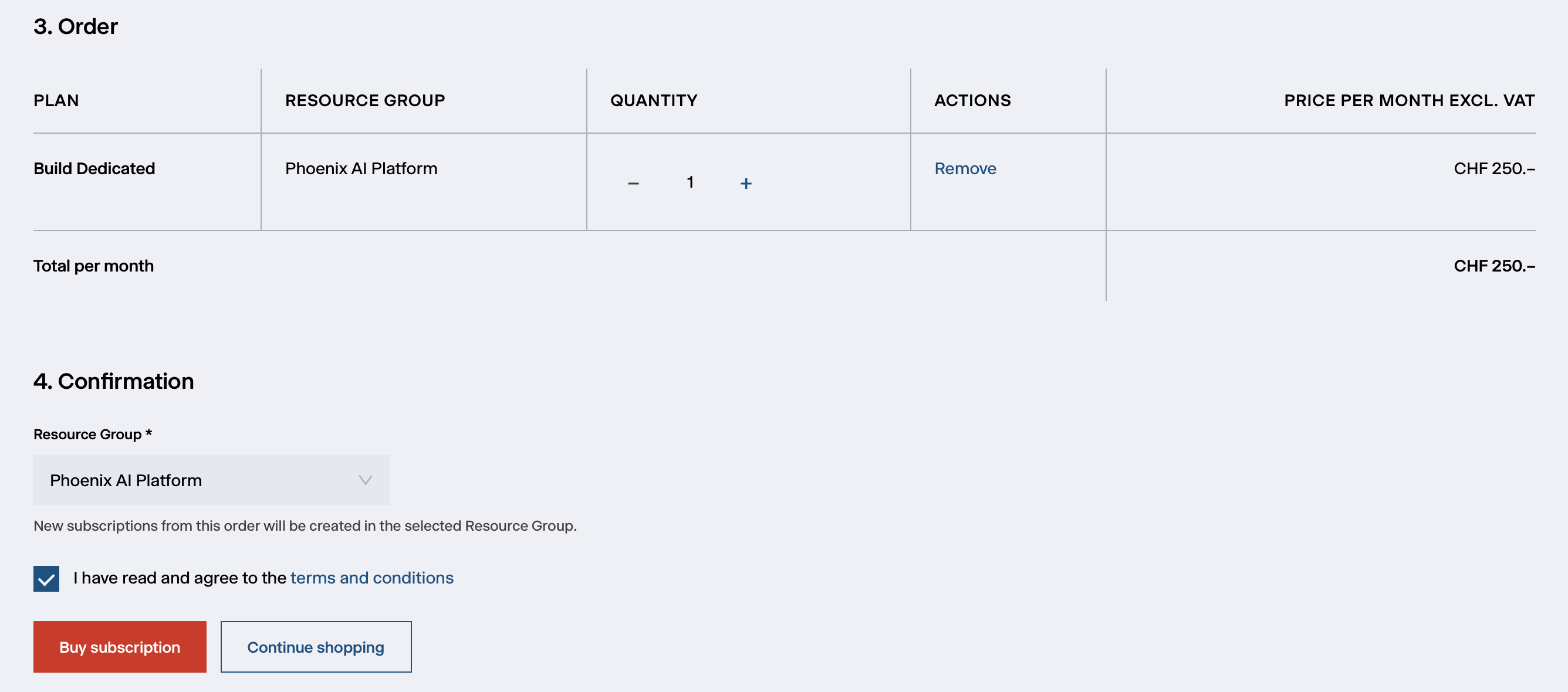
Step-by-step guide to ordering and provisioning a Phoeniqs AI Build workspace from the Phoeniqs Console.
Five steps from your first sign-in to your first agent task.
Where you work with the OpenCode agent, what each control does, and the shortcuts inside the terminal.
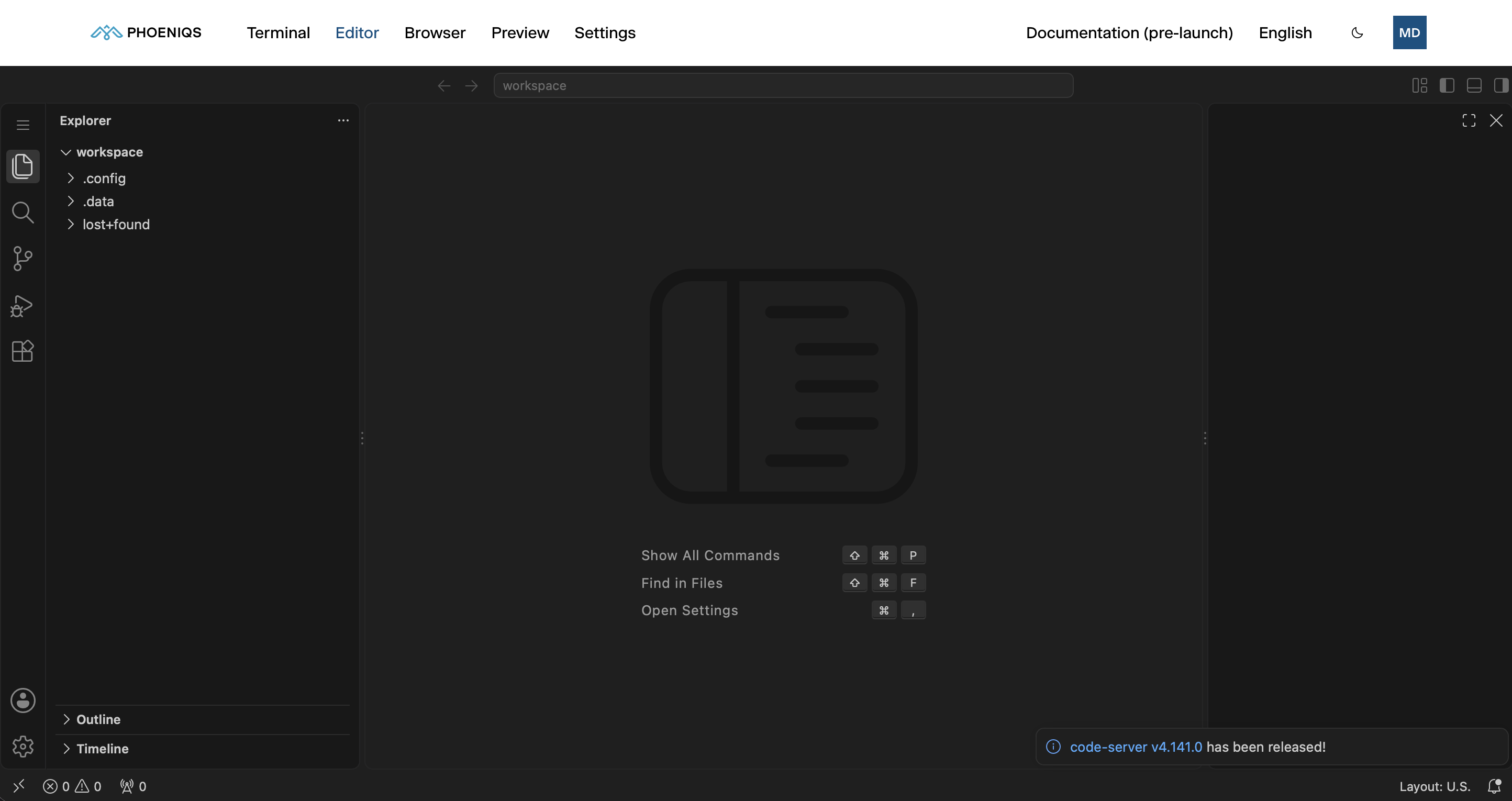
A full VS Code editor in your browser, open on the same files the agent works on.
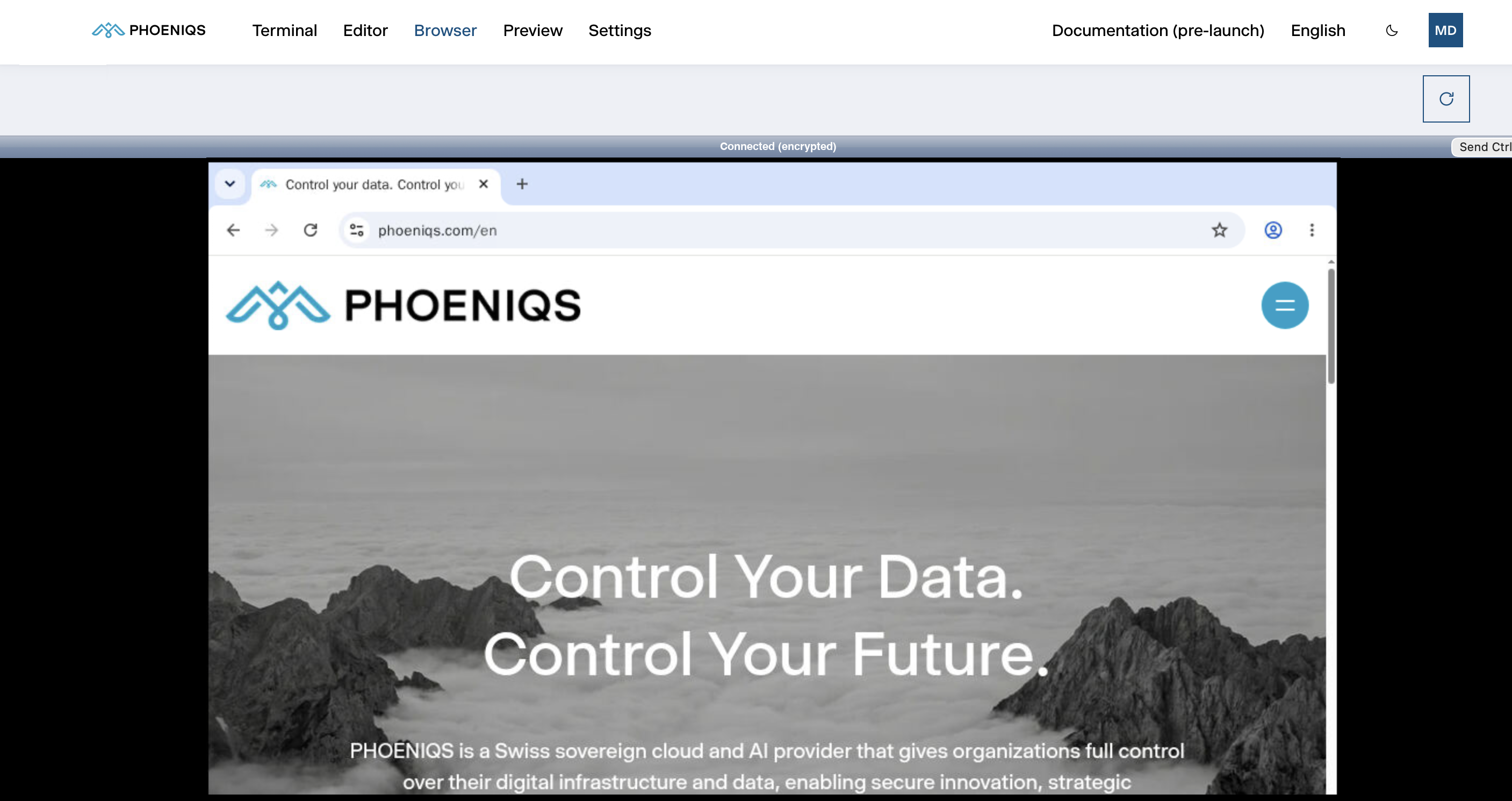
A real web browser inside your workspace that the agent drives and you can watch or use yourself.
See the web app you are building, running inside your workspace and behind your own sign-in.

The seven parts of the Settings tab, and how your settings combine with your company's and the platform's.
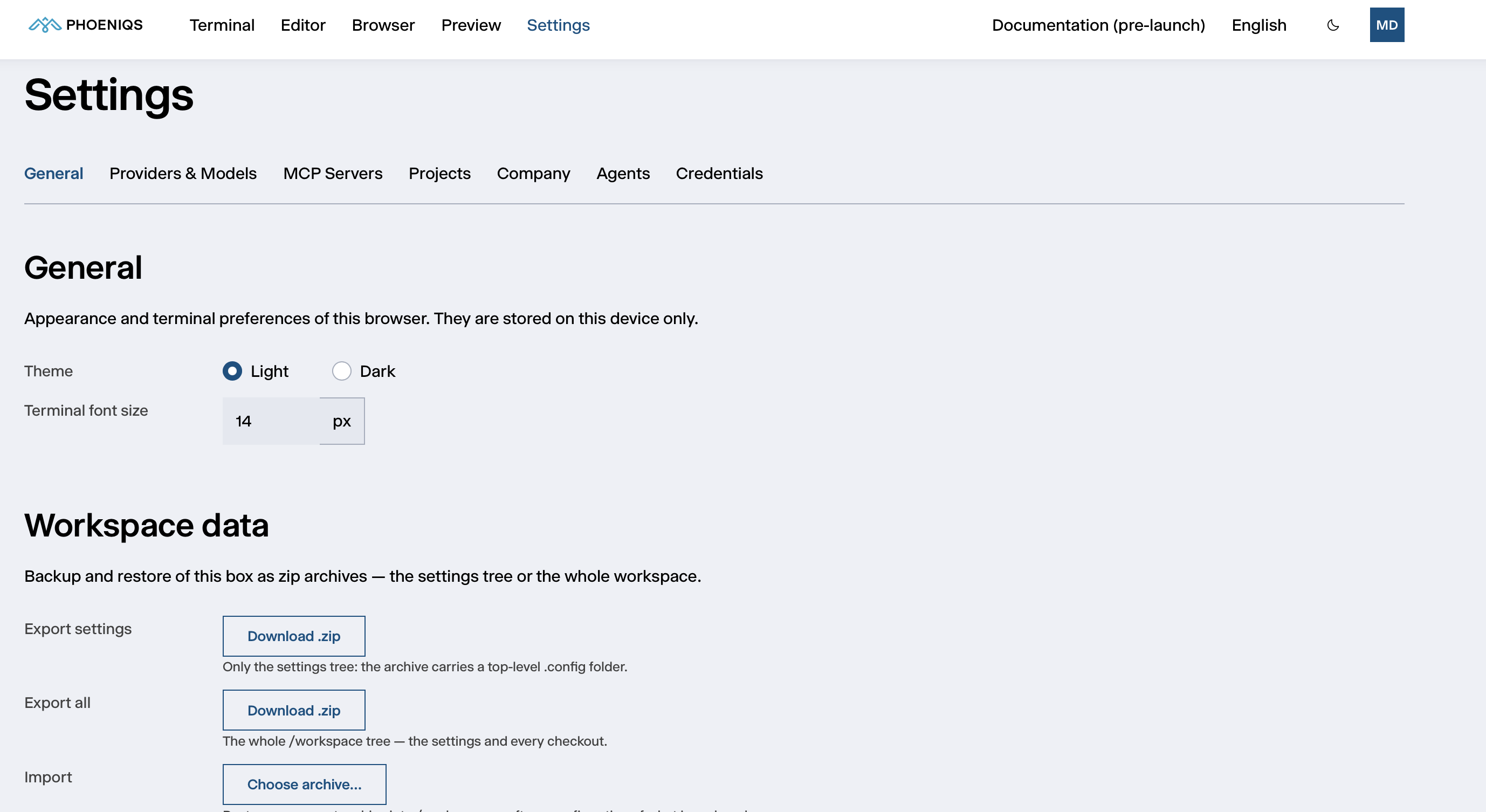
Theme and terminal font size, backup and restore of your workspace, and the agent server's status.
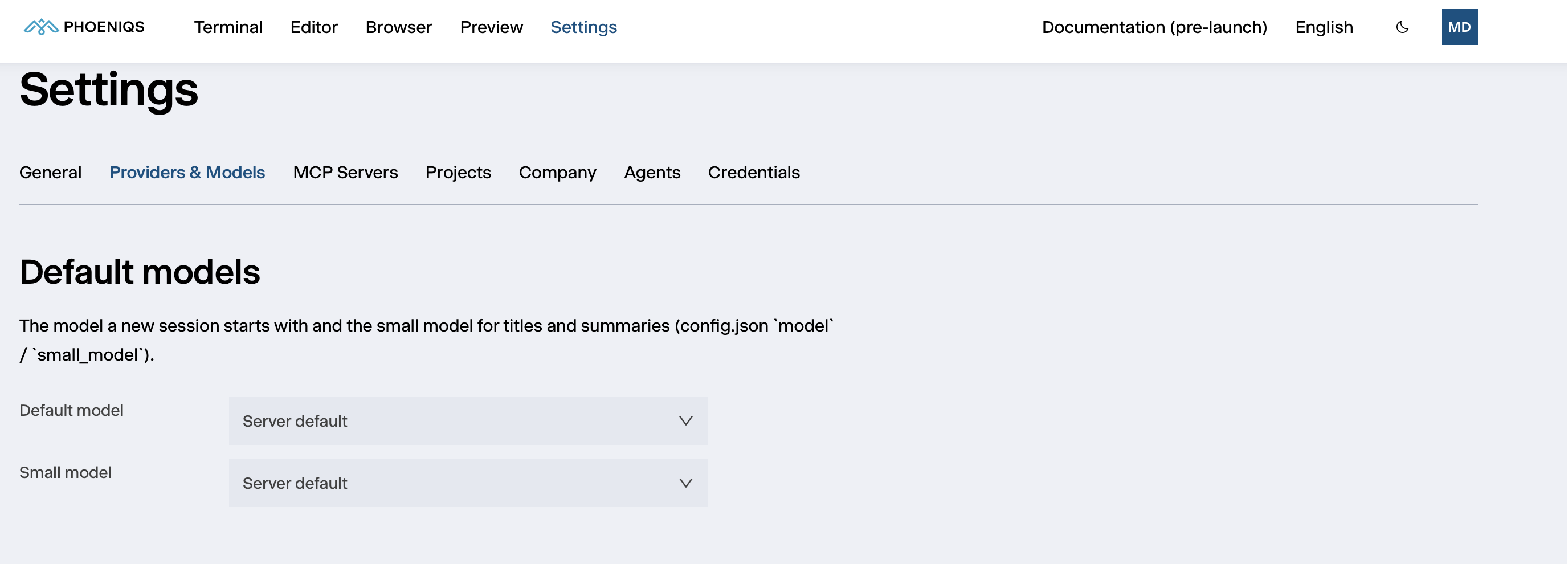
Choose the model the agent starts with, and add model providers beyond the PHOENIQS AI Model Service.
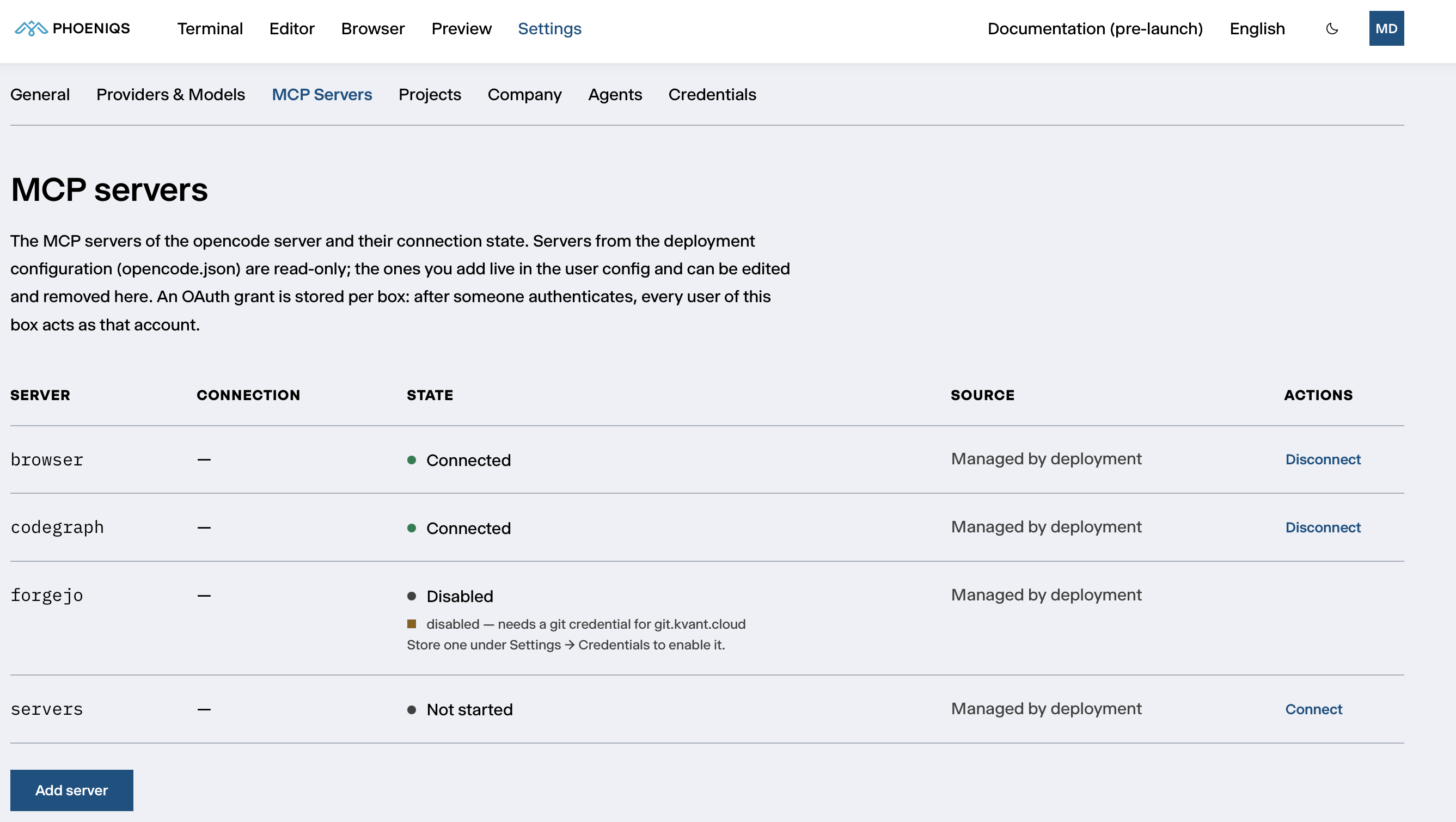
The tools the agent is connected to, their state, and how to add your own.
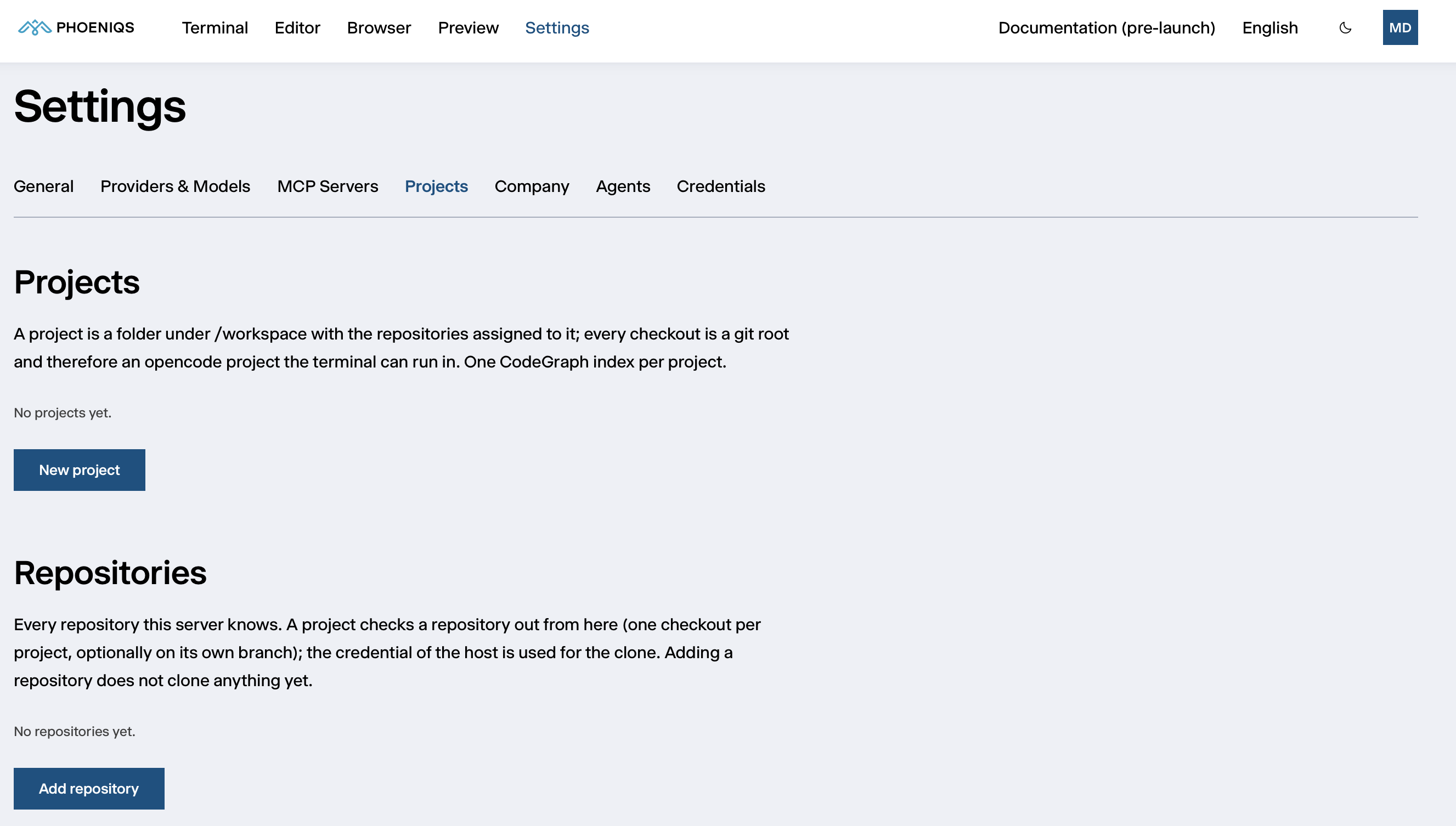
Register your repositories, check them out into projects, and keep CodeGraph code intelligence up to date.
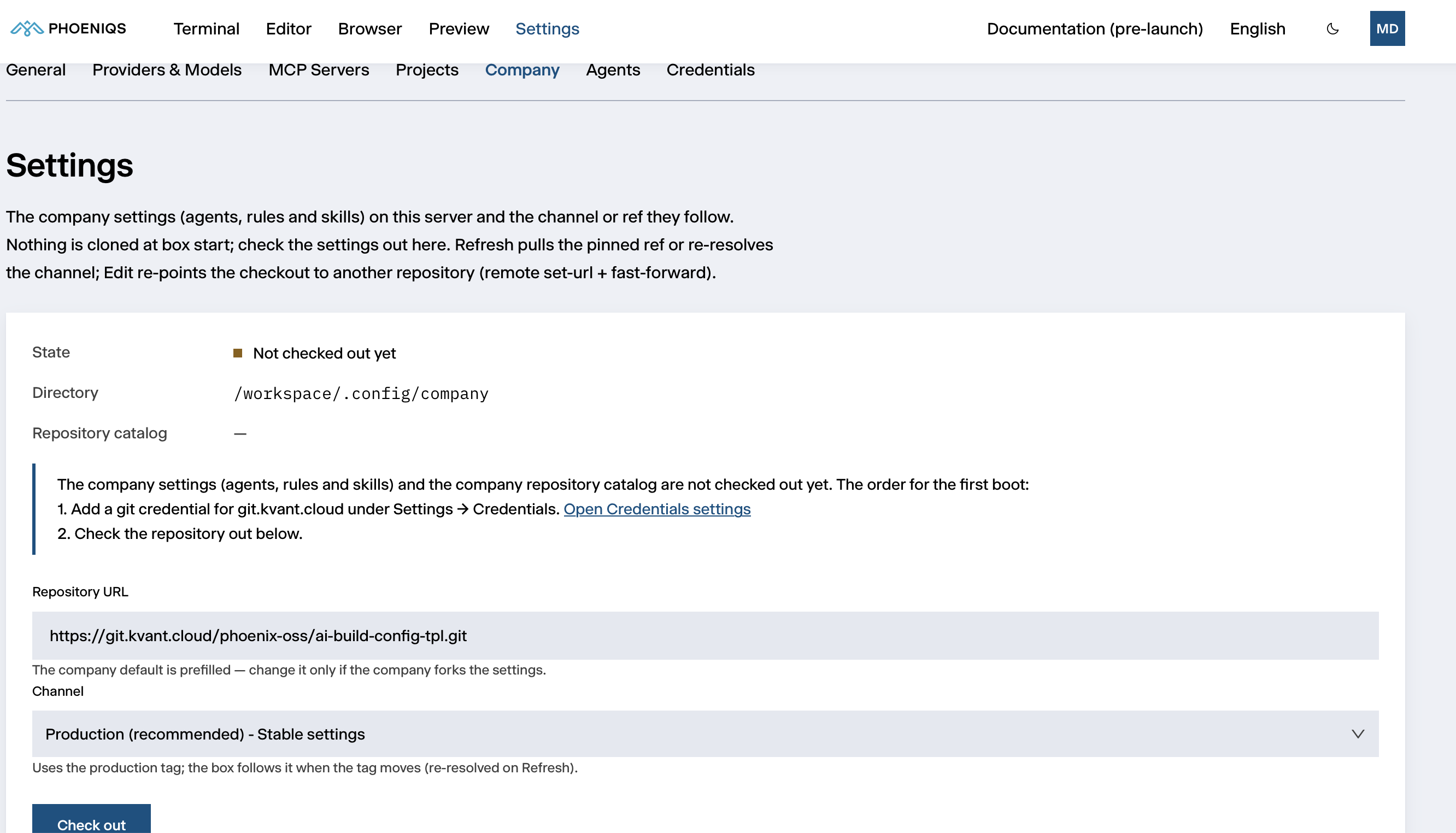
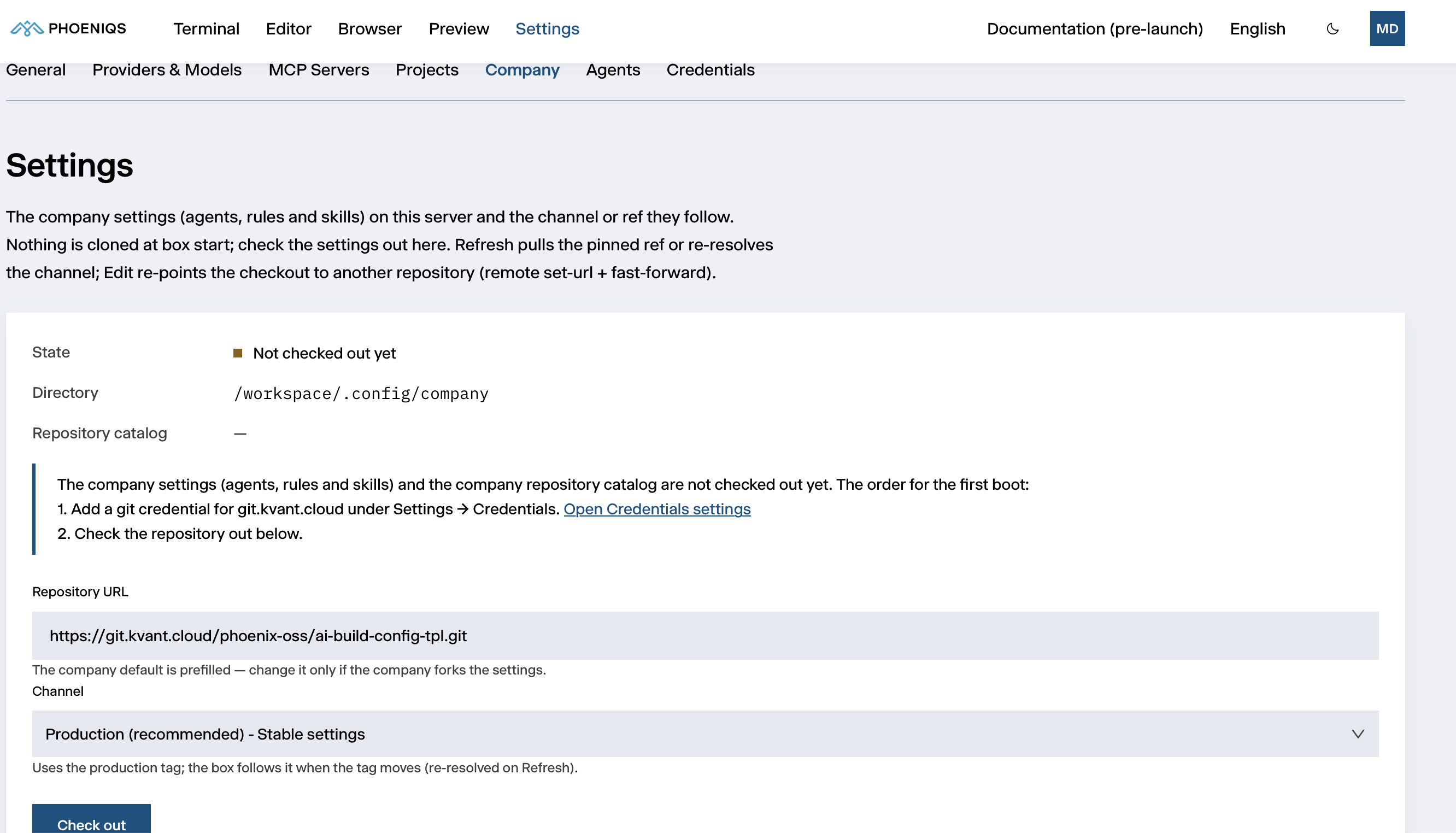
The agents, rules, skills and repository catalog your company shares across its workspaces, and how to follow them.
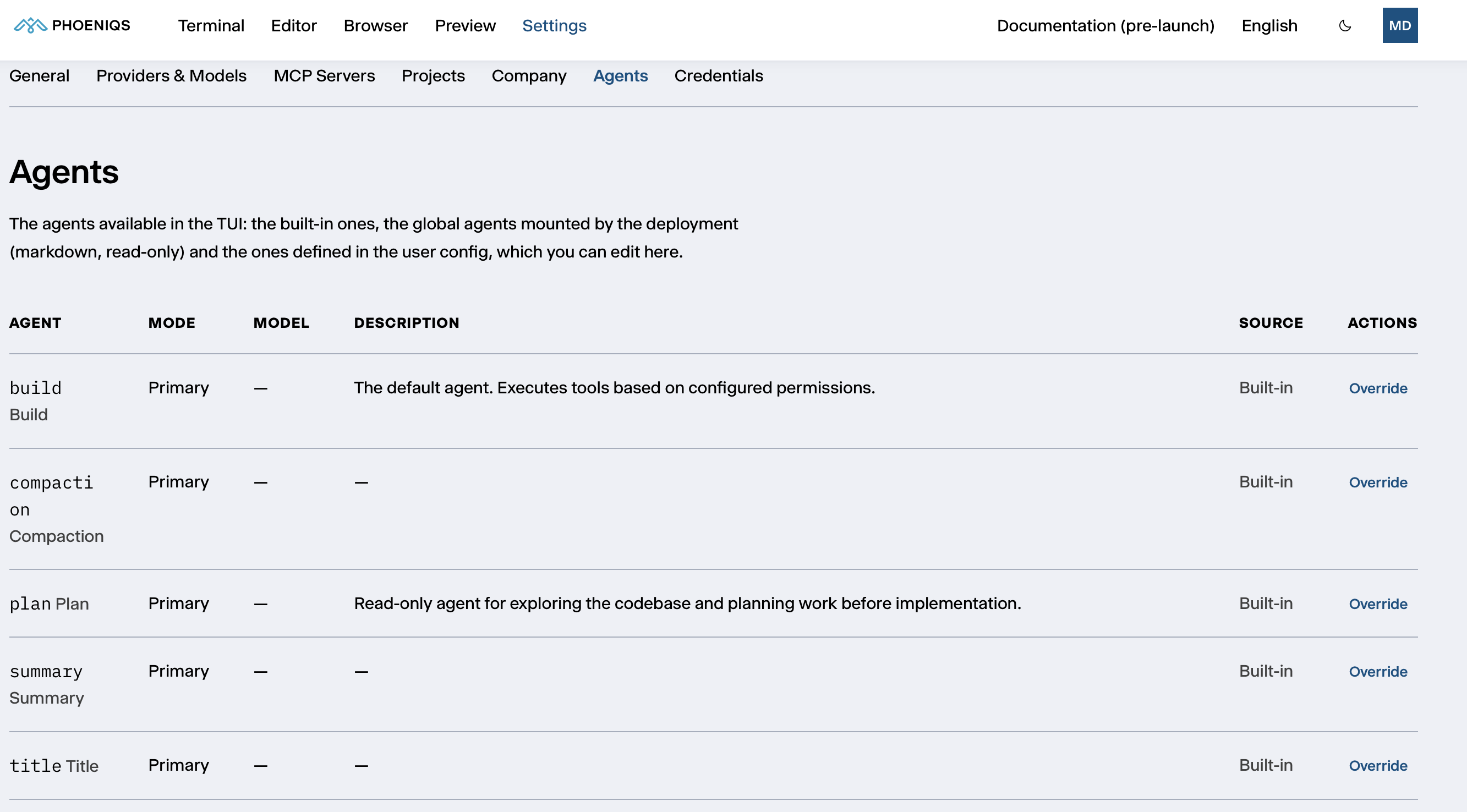
The agents available in the Terminal, where they come from, and how to create your own.
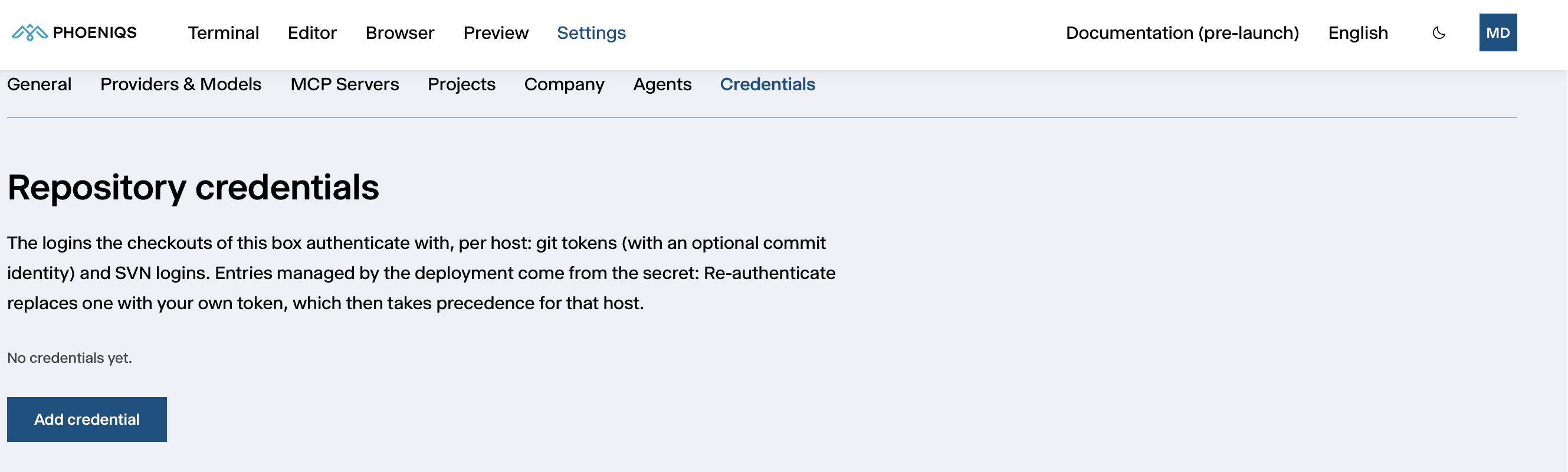
Git and SVN logins, model provider keys, PHOENIQS Cloud access, personal environment variables and tool authorizations.
What your workspace keeps across restarts, what it does not, and how to back it up.
Answers to common questions: access, the agent, code and tools, data and privacy.