
#
General
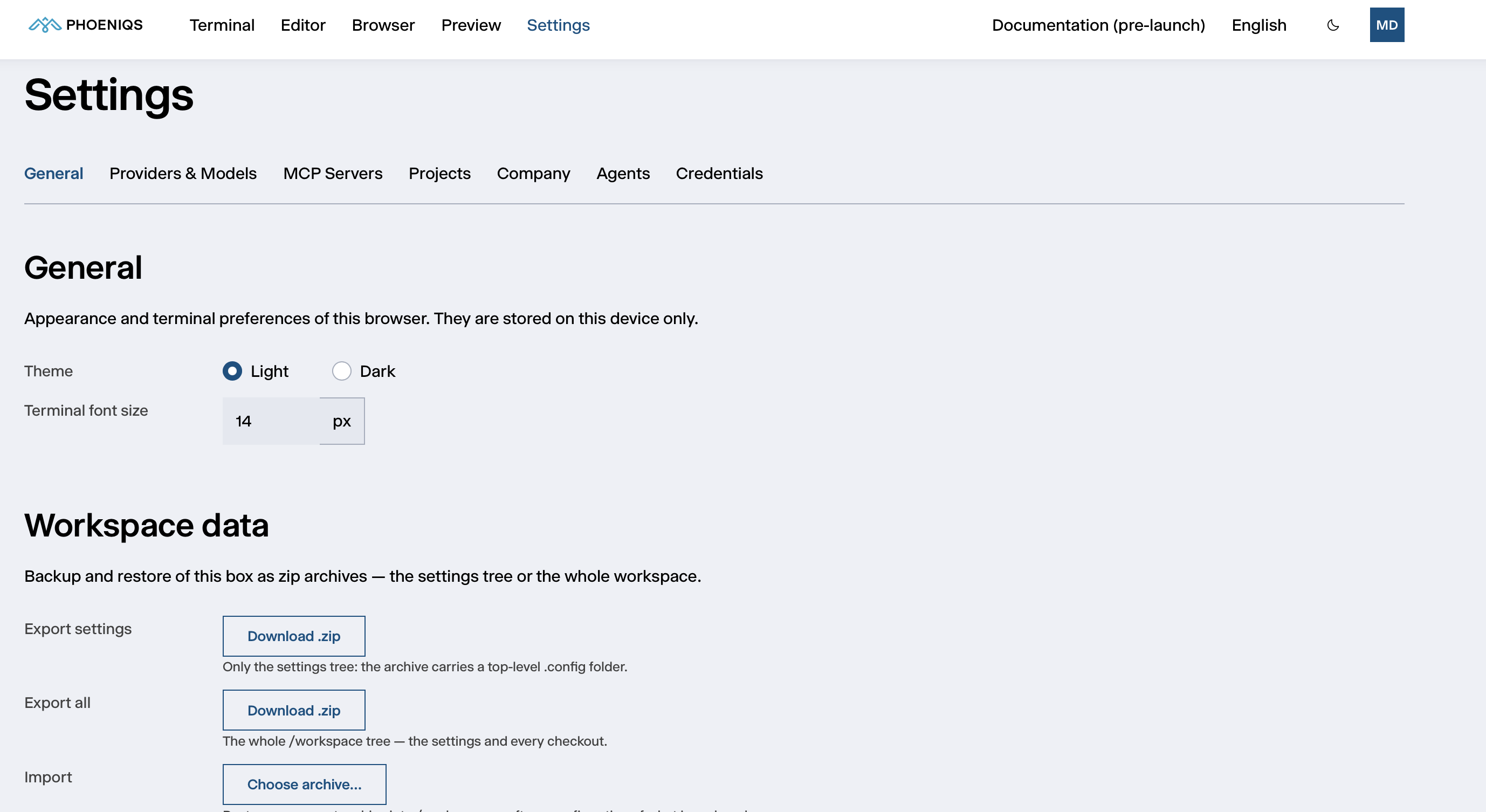
Settings → General holds your display preferences, the backup and restore of your workspace, and the status of the agent server.
#
Appearance
Both are stored in your browser only. They do not follow you to another device or browser, and they are not part of an export.
#
Workspace data
Back up your workspace as a .zip archive, or restore one.
#
Importing an archive
- Click Choose archive… and select an archive exported from a workspace.
- Read the confirmation, then click Import.
Every top-level folder in the archive replaces the folder of the same name in your workspace. Folders the archive does not contain are left as they are. An import cannot be undone, so use Export all first if you might want to go back.
When it finishes, the import reports how many folders it replaced and how many it created. If it replaced your settings, restart your open terminals with Restart in the Terminal tab so they pick up the new settings.
Archives can be up to 3.5 GiB.
For what a workspace keeps across restarts in the first place, see Workspace data and restarts.
#
Server
The Server panel shows the agent server your workspace runs on:
- Version, the version of the agent server
- State, Healthy when the server answers as expected
Quote the version when you contact support. If the state shows Not healthy, or the panel reports that the server did not answer, include that as well.